1. Export a CSV file from Live Timecode Notes app
Open the project in the app, then select "Export Notes" from the top menu. Select "CSV". Generate and save the file.

2. Import the CSV file into Numbers
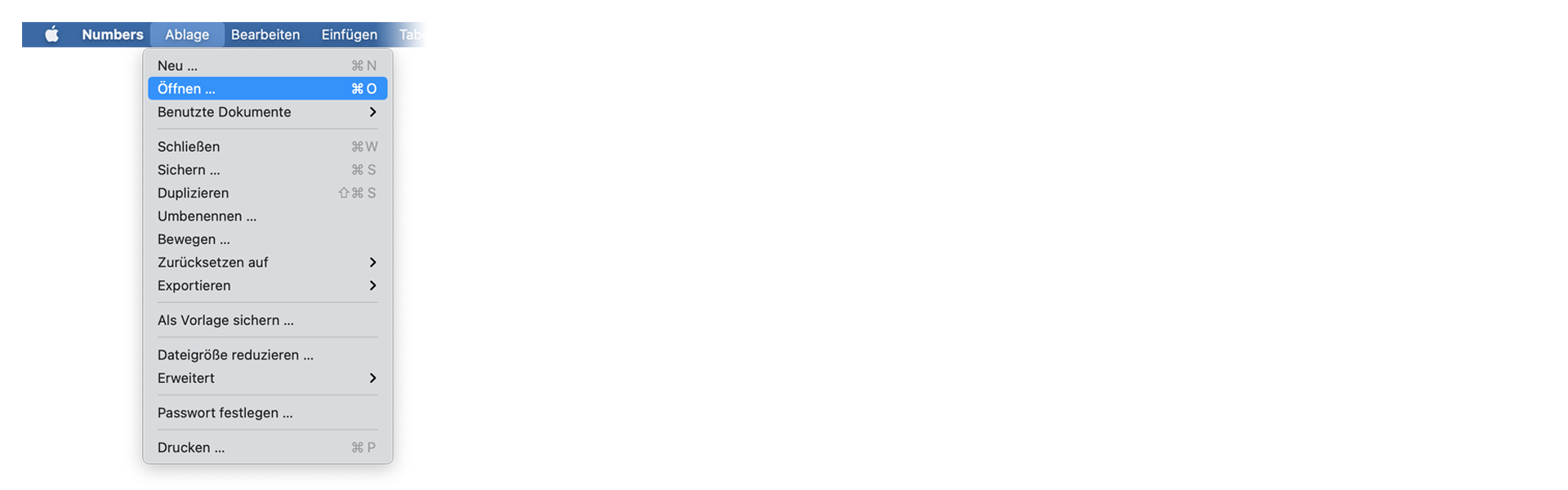
Open Numbers and go to "File -> Open". Simply open the CSV file.
🚀 Готово
Това е всичко засега! Ако този урок ви е бил полезен, моля, споделете го, за да ни подкрепите. Ако имате предложения как бихме могли да подобрим работния процес, споделете с нас!